

How to Trade In Old Console: Step-by-Step Guide

Table of Contents
How to Trade In Old Console: The Complete Process
Step 1: Assess Your Console's Condition and Market Value
Step 2: How to Factory Reset Console Before Selling Data Wiping and Account Deactivation Verifying the Reset
Data Wiping and Account Deactivation
Verifying the Reset
Step 3: Prepare Your Console for Shipment
Best Place to Sell Old Consoles: Comparing Your Options Trade-In Programs vs. Private Sales
Trade-In Programs vs. Private Sales
Step 4: Complete the Trade-In or Sale Transaction
Maximizing Your Console's Trade-In Value
Conclusion
Last Updated: August 10, 2026
How to Trade In Old Console: The Complete Process
Trading in an old gaming console doesn't have to be complicated. Whether you're upgrading to the latest hardware or just clearing out unused equipment, knowing how to trade in old console units properly protects your data and maximizes your return. At PHONEPROBS in Scottsboro, Alabama, we help local residents navigate the entire process.
The trade-in process involves several key steps: evaluating your console's condition, wiping your personal data, preparing the hardware for shipment, and completing the transaction through the right platform. Each step matters. Skip the data wiping step, and you risk exposing personal information. Rush the condition assessment, and you might accept a lowball offer. This guide walks you through every stage so you can confidently sell or trade your console with confidence.
Step 1: Assess Your Console's Condition and Market Value
Before you list your console, you need to know what it's actually worth. Console valuation depends on three factors: the console generation (PS5, Xbox Series X, Nintendo Switch, or older models), the hardware condition, and current market demand.
Start by identifying your exact console model and generation. Check the back of the device for the serial number. Write this down, you'll need it later when you list the console or get an appraisal. The serial number verification process helps buyers confirm authenticity and helps platforms ensure they're not receiving stolen or blacklisted units.
Next, assess the physical condition honestly. Does the console have scratches, dents, or visible wear? Does it power on and off without issues? Test the controller functionality by connecting a controller and checking if the buttons respond. Can you navigate the menu smoothly? Does the disc drive work if your console has one? Are all ports functional? A console in excellent condition commands significantly higher resale value than one with visible damage or functional issues.
Check for water damage or signs of liquid exposure. Even minor water damage can affect internal components and reduce trade-in value substantially. If your console has been exposed to moisture, mention it upfront, platforms and buyers appreciate honesty, and undisclosed damage leads to rejection after shipment.
Document everything with photos. Take clear pictures of the console from multiple angles, the controller, any included accessories, and the serial number. These photos help you get an accurate instant offer from trade-in programs and support your asking price if you sell privately.
Once you've assessed condition, research current market prices. Different platforms offer different buyback program rates. Trade-in programs like those offered through major retailers typically provide guaranteed payout amounts based on your console's condition tier. Private sales often fetch higher prices but require more effort and carry more risk. Knowing the market helps you decide which selling method makes sense for your situation.
Step 2: How to Factory Reset Console Before Selling
This step is non-negotiable: you must factory reset your console before handing it over to anyone. A factory reset wipes your personal data, removes your account credentials, and restores the console to its original software state. This protects your privacy and ensures the next owner gets a clean device.
Data Wiping and Account Deactivation
Before you perform the factory reset, deactivate your account from the console. This step prevents the new owner from accessing your saved games, payment methods, or digital library. Each console manufacturer handles this differently, but the principle is the same: remove your account access completely.
For PlayStation consoles, go to Settings > Users and Accounts > Other > Consoles Using Your Account. Select your console and choose "Deactivate." For Xbox, navigate to Settings > Account > Remove Accounts and delete your profile from the device. For Nintendo Switch, go to System Settings > Users and Accounts > Manage User Accounts and delete your account.
After account deactivation, initiate the factory reset. This process erases all data stored locally on the console, your game saves, downloaded games, profile information, and any personal files. The reset restores the console to the state it shipped in from the manufacturer.
For PlayStation: Settings > System > System Software > Reset PS4 (or PS5). For Xbox: Settings > System > Console Info and Updates > Reset Console. For Nintendo Switch: System Settings > System > Formatting Options > Initialize Console.
The factory reset process typically takes 15-30 minutes depending on how much data is stored on your console. Do not unplug the console or interrupt the reset during this process. Interrupting can leave the console in an unusable state.
Verifying the Reset
After the reset completes, verify that the factory reset worked properly. Power on the console and check that you're presented with the initial setup screen, the same screen you saw when the console was brand new. If you see this setup screen, the reset was successful. Your personal data has been wiped.
Try to log in with your account credentials. The login should fail, confirming that your account has been removed from the device. This is exactly what you want.

Watch Out Do not sell or trade your console until you've confirmed the factory reset was successful. A console that still contains your account information or saved data puts your personal information at risk and will likely be rejected by trade-in programs during device inspection.
Step 3: Prepare Your Console for Shipment
If you're shipping your console to a trade-in program or a private buyer, proper packaging prevents damage during transit. Damaged consoles get rejected or receive lower payouts, so this step directly affects your final payment.
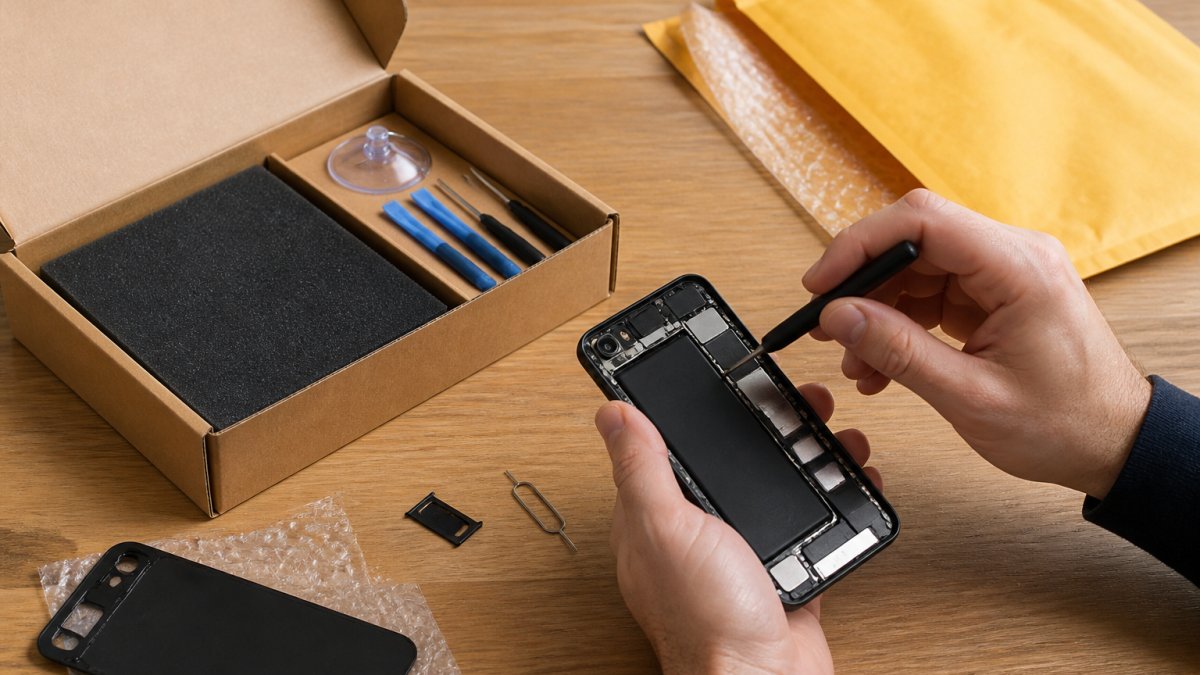
Gather your materials: a sturdy box, bubble wrap or foam padding, packing tape, and kraft paper. The console itself should be wrapped in at least two layers of bubble wrap. Wrap the controller separately. If you have original accessories, cables, power adapter, documentation, wrap these individually as well.
Place wrapped items in the center of your box, surrounded by at least 3 inches of padding on all sides. Shake the box gently. Nothing should move or shift inside. If items shift, add more padding.
Most trade-in programs provide pre-paid shipping labels. Print your label and apply it securely to the box. Do not use hand-written addresses, printed labels are more reliable and trackable.

Ship your console through a carrier that offers tracking. USPS, UPS, and FedEx all provide tracking numbers that let you monitor your shipment. Keep your tracking number until the trade-in program confirms receipt and processes your payment. If your console arrives damaged, the tracking information helps you file a claim.
Pro Tip Take a photo of your packed console before sealing the box. If a dispute arises about the condition when it arrives, you have documentation showing how carefully you packaged it. This protects you if the carrier causes damage.
Best Place to Sell Old Consoles: Comparing Your Options
You have several options for selling or trading in your old console. Each has different trade-in value offers, processing times, and convenience levels.
Trade-In Programs vs. Private Sales
Trade-in programs are the fastest route. You get an instant offer based on your console's condition, ship it to them, and receive payment within 5-10 business days of them receiving it. The trade-in value is typically lower than private sales, but the convenience and guaranteed payout are worth it for most people.
Major retailers in the Scottsboro area offer trade-in programs. These programs handle the device inspection, verify the console's condition matches your description, and process payment automatically. The trade-in process is standardized, which means less negotiation and fewer surprises.
Private sales through platforms like Facebook Marketplace, eBay, or local classified ads often command higher prices. You control the asking price and can negotiate directly with buyers. However, private sales require more effort: photographing the console, writing a detailed listing, responding to inquiries, arranging payment, and managing shipping logistics yourself.
Private sales also carry more risk. A buyer might claim the console arrived damaged or didn't work as described, leading to payment disputes. You're responsible for handling refunds or replacements if the buyer is unhappy.
For most people in Scottsboro, the trade-in route makes more sense. You get a fair price, guaranteed payment, and minimal hassle.
Selling Method | Speed | Payment Guarantee | Typical Value | Effort Required |
Trade-in Program | 5-10 days | Yes | Fair market rate | Low |
Private Sale (Local) | 1-7 days | No | Potentially higher | High |
Private Sale (Online) | 7-14 days | Varies by platform | Potentially higher | High |
Local Tech Repair Shop | Same day | Yes | Fair market rate | Very low |
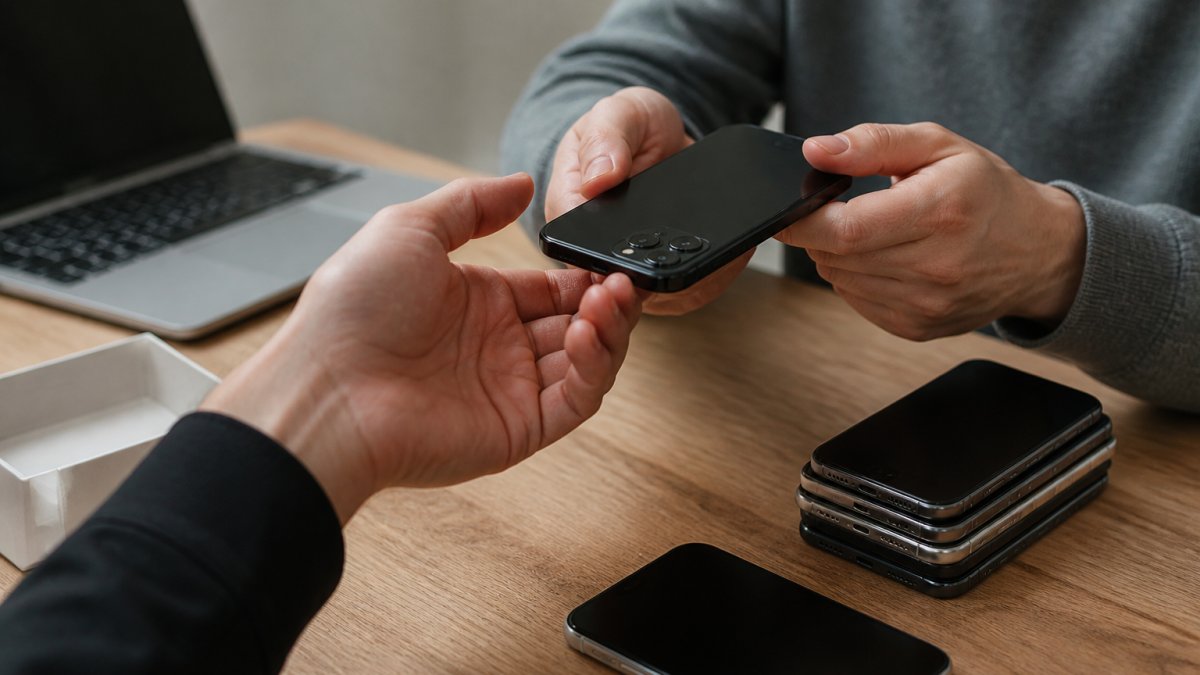
At PHONEPROBS, we buy, sell, and trade consoles locally. You get an instant quote, immediate payment if you accept, and no shipping hassles. We handle the factory reset verification and device inspection right there.
Step 4: Complete the Trade-In or Sale Transaction
Once you've chosen your selling method and shipped your console (or brought it in locally), the final step is completing the transaction.
If you're using a trade-in program, track your shipment until it arrives. The program will send you an email confirming receipt. They'll inspect the console to verify condition matches your listing. This is where honest condition assessment pays off, if the console arrives in better condition than you described, you might get a bonus. If it's worse, they might adjust the payout or reject it.
Most programs process payment within 5-10 business days of confirming receipt. You'll receive the funds via the payment method you specified during signup, direct deposit, check, or store credit.
If you're selling privately, arrange payment before handing over the console. Never ship a console without receiving payment first. Use secure payment methods like PayPal Goods & Services or similar platforms that protect both buyer and seller.
Key Takeaway The moment you receive payment confirmation (not just a promise to pay), your responsibility for the console ends. Document everything, shipping receipts, payment confirmations, photos of the packaged console, in case any disputes arise.
Maximizing Your Console's Trade-In Value
You want the best possible payout for your console. Several strategies help maximize your trade-in value.
Sell during peak demand periods. New console launches create demand for older models. Families buying new consoles for their kids often purchase refurbished older models as secondary devices. Selling during the holiday season or right after a major new console release typically yields higher offers.
Include all original accessories. Consoles with the original power cable, controller, and documentation command higher prices. If you've lost the original controller, buying a replacement controller before trading in might actually increase your total payout more than the controller's cost.
Be honest about condition. Misrepresenting console condition leads to rejection after shipment, wasting time and delaying payment. Accurate condition assessment gets you accepted on the first try and builds trust with the buyer.
Compare multiple offers before committing. Get quotes from at least two different trade-in programs or buyers. The difference between offers can be significant, sometimes $30-50 or more depending on console model and condition.
Verify the serial number works. Before shipping, confirm your console's serial number is not blacklisted or reported stolen. Blacklisted consoles get rejected during verification, leaving you stranded without payment. If you inherited the console or bought it secondhand, this step is especially important.
Trade in bundles. If you have multiple old consoles, games, or accessories, bundling them together sometimes yields better total value than selling items individually.
Conclusion
Trading in your old gaming console protects your data privacy while putting cash back in your pocket. The process is straightforward: assess condition, factory reset, prepare for shipment, and complete the transaction. At PHONEPROBS in Scottsboro, we make this even easier. We provide instant appraisals, handle the device inspection and data verification on-site, and pay you immediately, no shipping hassles, no waiting for payment processing. Stop by today for a professional quote on your console, or call to discuss your specific device.
Frequently Asked Questions
What should I do before trading in my old console?
Before trading in your console, back up any saved games to cloud storage, factory reset the device to erase all personal data, deactivate your user account, and verify the hardware works properly. Check the console's condition for damage, gather all original accessories, and clean the exterior. These steps protect your privacy and increase your trade-in value.
How much is my old console worth when I trade it in?
Console valuation depends on the console generation, hardware condition, whether controllers and accessories are included, and current market price for refurbished units. Newer models and those in excellent condition command higher trade-in values. Most buyback programs offer instant offers based on these factors. Contact local trade-in services for a device appraisal specific to your console's specs.
Is it better to sell my console privately or use a trade-in program?
Trade-in programs offer guaranteed payout, faster transactions, and pre-paid shipping labels, making them convenient for most people. Private sales may yield higher resale value but require more time, effort, and risk. Trade-in is ideal if you want quick cash or store credit; private sales work better if you're willing to wait for a buyer willing to pay closer to market price.
How do I ensure my data is completely removed before trading in?
Perform a factory reset on your console to erase all data, then deactivate your user account and remove any linked payment methods. For extra security, verify the reset completed by checking that no personal files, saved games, or account information remain accessible. Some platforms offer data wiping confirmation. Never trade in a console without completing these steps to protect your privacy.
BOOK YOUR REPAIR
This article was written using GrandRanker

Comments