

Power Bank With Built-In Cables: Buyer's Guide

Quick Summary
A power bank with built-in cables is a portable battery that carries its own charging cable, so you don't need to pack one separately. It works best when the built-in cable's connector matches your phone's port. Check capacity, wattage and cable type before you buy.
Confirm your phone's port type before buying, since a built-in cable only works with the connector it ships with.
A 10,000mAh power bank can give most phones more than one full charge.
Converted to Wh, check the battery rating before flying, since airlines often limit lithium batteries.
Built-in cables can't be swapped out, so check for a spare open port as a fallback.
Is your charging port failing?
PHONEPROBS repairs phones and charging ports with a quick, no-obligation quote.
Table of Contents
Power Bank With Built-In Cables: Buyer's Guide
Last Updated: November 19, 2026
Why a Power Bank With Built-In Cables Is Worth Considering
A power bank with built-in cables is a portable battery that carries its own charging cable, so you don't have to pack one separately. A lot of people ask the same question: what's the easiest way to keep a phone charged while traveling? For many people, the answer is a power bank with built-in cables.
The main advantage is simplicity. One device handles both the battery and the connection, which cuts down on the cables that tend to get tangled, lost, or left behind in a hotel room. If you commute, travel, or spend long days away from an outlet, that convenience adds up quickly.
There is a trade-off, though. A built-in cable only works with the connector it ships with, and if that cable fails, the power bank can become less useful. Before you buy, check which connector your phone uses and whether the cable is replaceable. We cover both points below.
What to Check: Capacity, Wattage and Charging Speed
Three specifications decide how well a power bank performs: capacity, wattage, and charging speed. Capacity is measured in mAh (milliamp-hours), and a higher number generally means more charges per trip. Wattage tells you how quickly the power bank can push power out to your device.
Here is a simple way to think about it. A power bank with 10,000mAh can give most phones more than one full charge, while a 20,000mAh model can cover several days of light use. The device you're charging also has to support the output speed for faster charging to work.
Keep in mind that the advertised capacity is not the amount you get in practice. Some energy is lost as heat during conversion, so a 10,000mAh power bank usually delivers less than that to your phone. Use the listed number as a comparison point, not a guarantee.
Built-In Cable Types and Connector Compatibility
Built-in cables come in a few common connector types. Some power banks include both USB-C and Lightning, which can be useful if your household has mixed devices.
Before buying, confirm your phone's port. A quick check in your phone's specifications will tell you. If your device uses USB-C and the power bank only offers Lightning, you will need an adapter, and that adds one more thing to carry.
Watch out: a cable that fits the port is not always the cable that charges fastest. Fast charging depends on the power bank, the cable, and the phone supporting the same protocol, so a mismatch can leave you charging at a fraction of the rated speed.
Top Models Compared: 10,000mAh to 49,800mAh
Here is how the power banks compare on the details listed by their sellers. Check the current price before buying. For broader guidance, see travel-focused power bank picks to see how built-in-cable models fit the wider market.
Model | Capacity | Built-In Cables | Output Noted | Best For | Pros | Cons |
Anker Nano Power Bank 45W | Not confirmed | Retractable USB-C | 45W | Fast USB-C charging on the go | Retractable cable, cable rated for more than 20,000 bends | Capacity not confirmed for this model |
Belkin BoostCharge Plus 10K | 10,000mAh | USB-C and Lightning | Not specified | Mixed USB-C and Lightning households | Two built-in cable types | Charging speed not specified |
SHARGE HyperTower X6 | 25,000mAh | Two built-in cables | 170W | Multi-device charging | Four ports, high output | Connector types not identified |
Yelomin 49800mAh | 49,800mAh (listing) | Built-in cables | 22.5W | High-capacity backup power | Large stated capacity, LED display | Capacity not independently verified |
Anker Nano Power Bank 45W offers a retractable USB-C cable and 45W charging. Check that your device supports the same fast-charging protocol (such as USB Power Delivery) to get the full speed. Check the listing for the exact mAh rating.
Belkin BoostCharge Plus 10K suits people who need two connector types. The dual USB-C and Lightning cables mean you can charge both an older iPhone and a USB-C Android phone without carrying separate cables. Check the listing for charging speed.
SHARGE HyperTower X6 offers 25,000mAh capacity, 170W output, four ports and two built-in cables. Confirm the built-in cable connector types match your devices before buying. Always convert the mAh rating to Wh yourself before flying.
Yelomin 49800mAh lists a very high capacity along with an LED display and multiple inputs and outputs. The capacity figure comes from the listing and has not been independently verified. Check the listing carefully before buying.
When comparing these models, focus on the trade-offs that matter for your use: the connector types you need, the number of devices you charge, and how much capacity you want to carry.
Watch out: advertised capacity and output are not the same as delivered performance. Conversion losses mean you should plan for fewer full charges than the raw number suggests.
Portable Charger With Built-In Cables and AC Wall Plug
Some models add a foldable AC wall plug, which lets you charge the power bank itself from a standard outlet and then charge a phone without carrying a separate adapter.
The trade-off is size and weight. A built-in wall plug adds bulk, so it can be harder to fit in a small bag. If you already own a good wall charger, a power bank without one will usually be lighter and easier to carry.
Durability, Airline Rules and Cable Repairs
Built-in cables are the most stressed component on a power bank. Unlike a detachable cable that you can replace, an integrated cable is permanently affixed to the battery housing. You can spot the warning signs of a failing cable before it stops charging altogether. When it fails, the power bank loses its primary advantage.

To extend cable life, store the power bank with the cable loosely looped rather than wrapped tightly around the body. You can also learn how to keep debris out of a charging port so connectors keep working. Avoid pulling the cable out by the wire; grip the connector housing instead.
If an integrated cable fails, you cannot simply swap in a new one. If the port itself is damaged, a step-by-step guide to fixing a broken charging port walks you through diagnosing and repairing it. Some power banks include a secondary USB-C or USB-A port that can still be used with a separate cable. Before buying, check whether the model has at least one open port as a fallback.
Airline rules add another layer. Most power banks list capacity in mAh, not Wh, so you may need to convert before you fly. Airlines can impose their own limits on lithium batteries, so check your carrier's policy before flying.
Watch out: if you buy a high-capacity model based on the mAh figure alone, you may end up with a battery that exceeds the carry-on limit set by your airline or the authorities. Always convert to Wh before you fly.
Choosing Your Power Bank and Getting Help From PhoneProbs
Start with your devices. If you mostly charge one phone, a 10,000mAh model with a connector that matches your phone is usually enough. If you travel with several devices or need backup power for a long day, a higher-capacity model with more ports makes more sense.
Then check the cable. Confirm the connector type, look for a retractable or replaceable design if you're worried about wear, and read the listed output so you know what speed to expect.
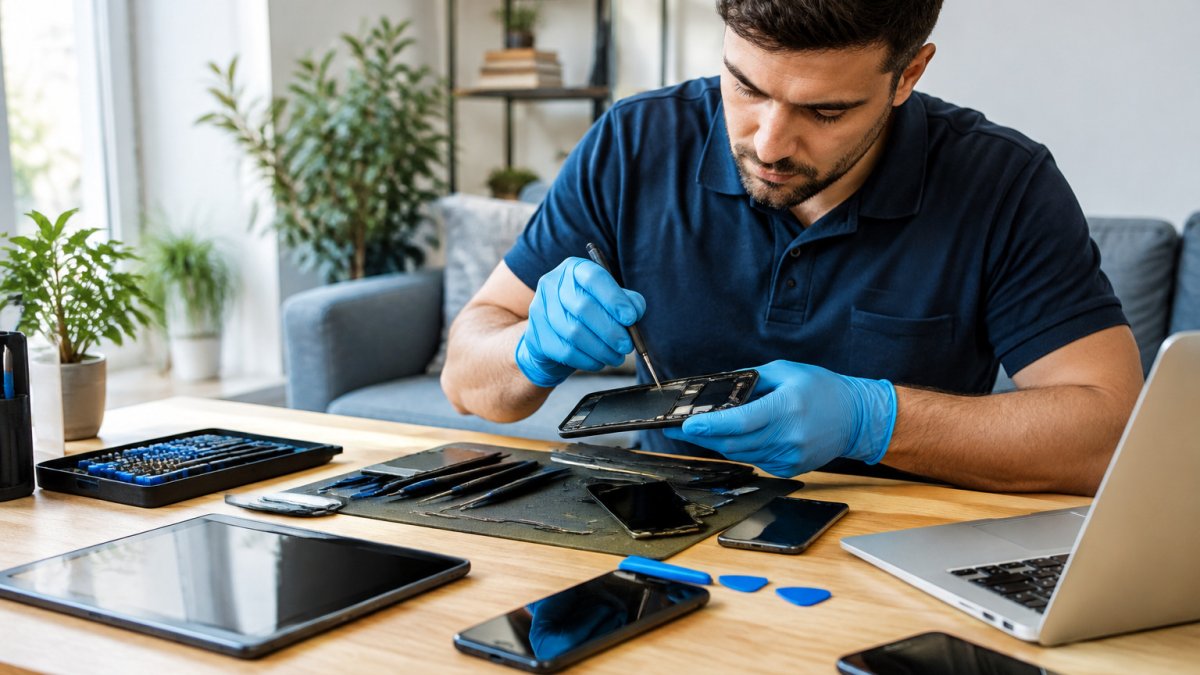
If your phone's charging port is already damaged, a new power bank won't fix the underlying problem. When you're ready for help, see how to find phone repair technicians you can trust. PHONEPROBS repairs phones, consoles, computers and laptops, including water damage, and can give you a quote for the work.
BOOK YOUR REPAIR
Tired of a phone that won't hold a charge? PHONEPROBS can diagnose the problem and get your device working again. Ask about our quick repair quotes today.
Frequently Asked Questions
Are power banks with built-in charging cables worth it?
They are worth it if you often forget cables or want fewer items in your bag. A built-in cable means one less thing to lose, and many models cover USB-C and Lightning. The trade-off is that a damaged built-in cable usually cannot be swapped out, so the whole unit may need replacing. If you charge a single phone type daily, a built-in cable power bank is a practical everyday choice in the United States.
How many times can a 20,000mAh power bank charge a phone?
The real number is lower than the rated capacity because of conversion losses during charging, and results vary by phone battery size. Checking the battery capacity against your phone's battery helps set realistic expectations. Charging speed also matters, since higher-wattage output shortens the time to a full charge.
Can you take a power bank with built-in cables on a plane?
Lithium battery capacity is the key factor, so check the stated mAh rating on the label. Check your airline's policy before you fly, since individual carriers can set stricter limits.


Comments