

Does Phone Insurance Cover Water Damage? 2026 Guide

Table of Contents
What Phone Insurance Typically Covers (and What It Doesn't)Accidental Damage vs. Manufacturer Warranty
Accidental Damage vs. Manufacturer Warranty
How to Tell If Your Phone Has Water Damage
Average Cost of Water Damage Repair vs. Replacement
Manufacturer Warranty vs. Insurance: Which One Helps?
Deductibles, Service Fees, and the Hidden Costs of Claims
DIY Steps to Take Immediately After Water Damage
Frequently Asked Questions
Last Updated: September 13, 2026
What Phone Insurance Typically Covers (and What It Doesn't)
Most device protection plans do cover liquid damage, but the details decide does phone insurance cover water damage and whether your claim gets approved or denied. A standard device protection plan usually bundles accidental damage, liquid damage, theft and loss, and out-of-warranty hardware failure under one monthly premium (consumerfinance.gov). The catch is that each of those categories carries its own coverage limits, deductible, and eligibility rules. This guide from PHONEPROBS walks through what actually gets paid, what gets refused, and how to tell the difference before you file.
A device protection plan is a paid service contract that covers repair or replacement of your phone after damage that a manufacturer warranty will not touch, including spills and submersion.
Here is the practical breakdown of what falls inside a typical plan:
Accidental damage: cracked screens, broken camera glass, bent frames
Liquid damage: spills, splashes, full submersion, moisture exposure
Theft and loss: usually a separate tier with a higher deductible and proof requirements
Hardware failure: mechanical or electrical breakdown outside the warranty window
What sits outside coverage is just as important. Cosmetic wear, a phone that was already damaged when you enrolled, and devices with a limited warranty only (no protection plan attached) typically get declined. Vandalism coverage varies by plan, so read the terms rather than assuming.
Watch Out A common mistake is enrolling a phone that already has liquid damage. Most plans deny claims for pre-existing physical damage, and some cancel the policy outright. Inspect the device before you sign up.
Accidental Damage vs. Manufacturer Warranty
The distinction matters because people file claims against the wrong policy and lose time. A manufacturer warranty is a limited warranty that covers defects in materials and workmanship, not damage you cause. Crack a screen by dropping it, and the warranty does nothing. Spill coffee on the charging port, and the warranty still does nothing.
Accidental damage coverage is the opposite. It exists specifically to pay for physical damage and liquid damage that the manufacturer will not cover. If your phone simply stops charging with no visible cause, that is a warranty issue. If it stopped charging after a spill, that is a protection plan claim.
How to Tell If Your Phone Has Water Damage
Water damage indicators are usually visible if you know where to look. Phones carry a liquid contact indicator, a small strip that changes color once it has been exposed to moisture (apple.com). On many models it sits inside the SIM tray slot, so you can check it without opening the device.
Signs that moisture exposure has already done damage:
The liquid contact indicator has turned red or pink instead of its original white
Fog or condensation behind the camera lens
Speakers sound muffled or distorted
The screen flickers, shows ghost touches, or has discolored patches
The charging port refuses to recognize a cable
Corrosion is the slow killer. A phone can work fine for days after a spill and then fail once corrosion reaches the logic board. If you see any of these signs, stop charging the device. Power flowing through a wet board is what turns a recoverable phone into a dead one.

Average Cost of Water Damage Repair vs. Replacement
The average cost of water damage repair depends on how far the corrosion has spread, and it usually lands well below the price of a new phone. A straightforward clean-and-dry service with a new battery or charging port costs far less than replacing the whole device. Once corrosion reaches the main board, you are looking at board-level repair, which is the most expensive outcome short of replacement.
Most guides stop at the deductible. The number that actually matters is your total cost of ownership, the monthly premium you have already paid plus the deductible you owe at claim time. Run that against a repair quote and the math often flips.
Here is the framework to use:
Add up premiums paid. Multiply your monthly premium by the number of months you have been enrolled. That money is already gone whether you file or not, but it belongs in the comparison.
Add the deductible. This is your out-of-pocket at claim time, and it is tiered, higher for flagships and for theft or loss than for a cracked screen.
Add any service fee. Some plans charge one on top of the deductible.
Compare that total against a flat repair quote from an independent shop, and against the price of a comparable pre-owned device.
Option | What You Pay | Best For |
Protection plan claim | Deductible + possible service fee | Newer, high-value phones |
Independent repair | One flat repair quote | Mid-range phones, fast turnaround |
Full purchase price | Phones with board-level corrosion |
For budget-conscious buyers, a pre-owned replacement often beats a claim. A refurbished Motorola G Play 2024 (Blue) 64GB - Unlocked at $99.99 or a Motorola Moto G 2024 - 128GB (Black) Unlocked at $134.99 can cost less than a single deductible on a flagship claim. If you are weighing a step up, the Samsung Galaxy S24FE (Graphite) 128GB - Unlocked at $349.99 and the Apple iPhone 15 Plus (Black) 128GB - Unlocked at $499.99 sit in the range where a protection plan still makes financial sense.
Pro Tip Run the numbers before you file. If your deductible is close to the price of a comparable pre-owned device, buying the replacement and keeping your claim-free status intact is often the smarter move. Filing also consumes a claim from your yearly limit, which matters if the phone takes a second hit later.
One more cost most people overlook: non-original parts. A cheaper repair may use aftermarket components, which can void any remaining manufacturer warranty coverage on the rest of the device. Ask the shop whether the replacement parts are genuine before you authorize the work.
Manufacturer Warranty vs. Insurance: Which One Helps?
For liquid damage, does phone insurance cover water damage is the question that matters, and insurance is the one that helps, because the manufacturer warranty almost never does. This is the single most misunderstood point in the whole decision. People assume the warranty they got at purchase covers everything, then discover it covers defects only.
Here is how the three options compare in practice:
Manufacturer warranty: covers defects in materials and workmanship, typically for a set period from purchase. No coverage for spills, drops, or submersion.
Device protection plan: covers accidental damage, liquid damage, theft and loss, usually for a monthly premium plus a per-claim deductible.
Credit card cell phone protection: a benefit on certain cards that reimburses repair or replacement costs for damage or theft, subject to a per-claim cap and a yearly limit.
That third option is the one most people forget. Many rewards and travel cards include cell phone protection as a built-in benefit when you pay your monthly wireless bill with that card. The mechanics matter:
You must pay the phone bill with the card. The benefit typically only activates when the monthly wireless statement is charged to the eligible card.
There is a per-claim cap and a yearly cap. Claims above the cap come out of your pocket.
A deductible usually applies, but it is often lower than a carrier plan deductible.
You file with the card's benefits administrator, not the carrier, and you will need documentation: the bill showing the card payment, a repair estimate or proof of loss, and sometimes a police report for theft.
Before filing an insurance claim, check whether the card you pay your wireless bill with offers this benefit. It costs nothing to ask, and it can save you the deductible. The trade-off is turnaround time, card claims are typically reimbursed after you pay out of pocket, while a carrier plan often replaces the device first.
Key Takeaway Stack the options in order of cost to you: credit card protection first if it applies, then a protection plan claim, then independent repair. The warranty is not in the running for liquid damage at all.
Deductibles, Service Fees, and the Hidden Costs of Claims
The hidden cost of a claim is rarely the deductible alone. It is the deductible plus the service fee plus the possibility that filing raises your premium or counts against a yearly claim limit. A plan might advertise a low monthly rate and then charge a deductible at the top of the range once you actually file.
Watch for these costs before you enroll:
Tiered deductibles: higher for flagship devices and for theft or loss claims
Service fees: separate from the deductible on some plans
Claim limits: a cap on how many claims you can file per year
Premium increases: some providers adjust rates after a claim
Non-original parts: cheaper repairs may use non-genuine parts, which can void remaining warranty coverage
Repair vs replace is the decision that follows. If a repair technician can fix the device with genuine parts for less than your out-of-pocket deductible, skip the claim. You keep your mobile protection intact and avoid the paperwork.
DIY Steps to Take Immediately After Water Damage
Act within minutes, because the first hour decides how much corrosion sets in. Power is the enemy here. Every second the phone stays on while wet, current is eating through the board.
Do these in order:
Power it off immediately. Do not check if it still works. Do not press buttons to test the screen.
Do not charge it. Plugging in a wet phone is the fastest way to short the board.
Remove the case, SIM tray, and any accessories. These trap moisture against the device.
Blot the exterior with a lint-free cloth. Do not shake the phone, which pushes water deeper.
Leave ports and openings facing down so gravity helps moisture escape.
Skip the rice. Rice does not pull moisture from inside a sealed phone and leaves dust in the port.
Bring it to a repair professional for a proper clean and dry, ideally the same day.
What most guides miss is that drying the outside accomplishes almost nothing. The moisture that kills phones is already inside, sitting on the logic board. Only an ultrasonic clean or a controlled dry-out by a repair technician removes it before corrosion takes hold.
Key Takeaway The single biggest factor in water damage recovery is speed, not method. Powering off within the first minute and getting a professional dry-out the same day saves far more phones than any home remedy.
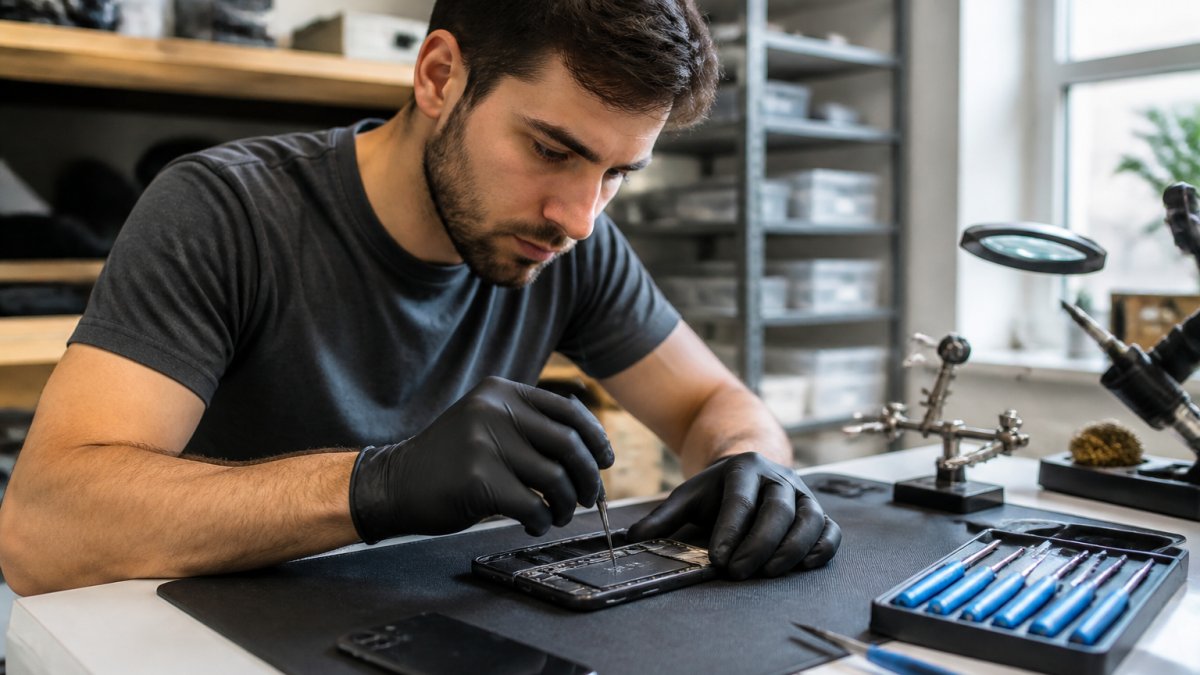
If you are in the Scottsboro or Grant area and your phone took a spill, PHONEPROBS specializes in water damage repair and can give you a straight quote before you commit. We also handle cracked screens, consoles, laptops, and computers, so a single visit can cover more than one device.
Frequently Asked Questions
How much does it usually cost to fix a phone with water damage?
Repair costs depend on the phone model and how much corrosion occurred. At PhoneProbs, we provide a free quote before any work begins. In many cases, repair is more affordable than filing an insurance claim once you factor in the deductible. If the damage is severe, replacing the device may be the better option.
Does a standard manufacturer warranty cover water damage?
No. Most manufacturer warranties cover defects in materials or workmanship, not accidental damage like liquid exposure. If your phone got wet, the limited warranty will not help. You would need a device protection plan or a repair shop like PhoneProbs to fix it. Check your warranty terms carefully, because some list liquid damage as an explicit exclusion.
What are the first steps to take if my phone falls in water?
Power it off immediately and do not press any buttons. Wipe the exterior with a dry cloth, remove the SIM tray if possible, and avoid charging it. Do not use rice, heat, or a hair dryer. Bring it to a repair technician as soon as you can. The faster moisture is addressed, the better your chances of saving the device and your data.
Will my phone insurance replace water damage?
Most device protection plans cover liquid damage, but they usually repair first and replace only if repair is not possible. You will pay a deductible or service fee either way. Coverage limits, enrollment periods, and claim approval rules vary by plan, so read your policy before assuming you are covered. If you are unsure, a local repair shop can assess the damage and give you a quote.
Water damage is a race against corrosion, and the wrong first move can turn a fixable phone into a paperweight. PHONEPROBS repairs water-damaged phones, consoles, computers, and laptops, offers quick repair quotes, and can help you buy, sell, trade, or lease a replacement if the damage is beyond saving. Book your repair with PHONEPROBS and get a professional quote before you decide whether to file a claim or replace the device outright.
BOOK YOUR REPAIR

Comments