

Prevent Phone Water Damage at the Beach

Table of Contents
Why Beach Water Damage Happens Faster Than You Think
Best Waterproof Phone Pouches for Beach Days
IP Ratings Explained: What Actually Protects Your Phone
What to Do If Phone Gets Wet With Salt Water
How to Remove Sand From Phone Charging Port
Floating Cases, Lanyards, and Other Beach Tech Gear
Your Beach Tech Emergency Kit
Frequently Asked Questions
Last Updated: September 28, 2026
Why Beach Water Damage Happens Faster Than You Think
To prevent phone water damage beach trips, understand that salt water is your phone's worst enemy. It accelerates corrosion on circuit boards, eats through protective coatings, and causes failures that freshwater alone wouldn't trigger.
The chemistry of saltwater corrosion:
Salt water initiates an electrochemical reaction when it enters your phone. Dissolved sodium chloride (NaCl) and minerals dissociate into ions, making the water conductive. When this electrolyte contacts the circuit board, different metals (copper traces, tin solder, gold connectors) act as electrodes, triggering oxidation-reduction reactions that corrode components.
Copper traces oxidize to copper oxide and copper sulfate; solder joints oxidize to tin oxide and tin hydroxide. These corrosion products are electrically resistive and break connections. Critically, corrosion is self-sustaining: it continues after the phone dries because corrosion products trap moisture and salt residue inside.
Fresh water causes short circuits and swelling but eventually evaporates and stops damaging. Salt water damage accelerates over days and weeks as corrosion spreads across the circuit board.
Why salt residue is the real killer:
The actual danger is salt crystals left behind after water evaporates. These hygroscopic crystals absorb moisture from the air, reactivating corrosion. A phone that seems fine for days suddenly fails a week later as salt residue corrodes the internals.
Rinsing with fresh water immediately after saltwater exposure is critical. Fresh water dilutes salt and removes dissolved minerals before they deposit on the circuit board, stopping corrosion from accelerating. A phone rinsed within 30 minutes has a much better chance of recovery.
Sand makes it exponentially worse:
Sand grinds away protective conformal coatings on circuit boards, exposing bare metal. Combined with salt water, sand removes protection while salt water corrodes exposed components. A phone exposed to sand and salt water simultaneously suffers damage 5-10 times faster than salt water alone.
The timeline of saltwater damage:
0-1 hour: Short circuits may occur if power is applied. Corrosion begins immediately at the molecular level.
1-24 hours: Visible corrosion appears on connectors and ports (white, green, or blue oxidation). The phone may still power on, but internal damage is spreading.
24-72 hours: Corrosion spreads across the circuit board. Intermittent failures begin, the phone works sometimes, fails other times. Data corruption becomes likely.
3-7 days: Widespread corrosion causes permanent component failure. The phone no longer powers on, or powers on but doesn't hold a charge.
7+ days: Corrosion has spread to multiple circuit boards. Recovery becomes extremely difficult or impossible.
Prevention is straightforward. A few simple precautions help prevent phone water damage beach outings and stop 90% of damage before it starts.
Pro Tip The moment your phone touches salt water, electrochemical corrosion begins immediately. You won't see visible damage for hours or days, but the damage is happening at the molecular level. Rinse with fresh water within 30 minutes and seek professional assessment within 24 hours. The longer you wait, the more irreversible the corrosion becomes.
Best Waterproof Phone Pouches for Beach Days
A waterproof pouch is your first line of defense. You need one that seals completely, stays clear for touchscreen use, and doesn't trap moisture.
Look for pouches with these features:
Hermetic seals (airtight closures that prevent water ingress)
Clear front panel for touchscreen use
Lanyard attachment so you don't lose it
IPX8 rating (waterproof up to specific depths)
Roll-top seals are more reliable than ziplock seals, which require precise closure every time.
Your pouch should fit your phone snugly; air pockets trap moisture.

Most waterproof pouches cost $10-$30. Spend extra for a sealed design; cheap pouches often fail at the seal.
Key Takeaway A waterproof pouch with a hermetic seal and clear front panel is non-negotiable for beach days. It's your cheapest insurance against water damage.
IP Ratings Explained: What Actually Protects Your Phone
IP ratings use two numbers: the first rates solid particle protection, the second rates liquid protection. For beach use, focus on the water rating (second number).
Tanya G. Marshall-- The Butterfly Teacher
Here's what each water rating means in controlled laboratory conditions:
IP Rating | Water Protection | Lab Test Conditions |
IP67 | 1 meter, 30 minutes | Fresh water, static pressure |
IP68 | 1.5+ meters, 30+ minutes | Fresh water, static pressure |
IPX9 | High-pressure water jets | Fresh water, 80°C jets |
Most modern phones claim IP68 protection. IP ratings are tested exclusively with fresh water in controlled laboratory environments. Salt water is not part of the certification process.
Why this matters at the beach:
Salt water is conductive. Dissolved sodium chloride creates ions that move through the liquid, creating electrical pathways between components that shouldn't be connected. This causes immediate short circuits and accelerates corrosion. A phone rated IP68 for fresh water may fail in minutes when exposed to salt water.
Sand compromises seals. Sand embeds in microscopic gaps around ports and buttons, creating permanent micro-channels for water ingress. The IP rating system doesn't account for sand-damaged seals. A phone with an IP68 rating and a sand-scratched charging port has zero meaningful water protection.
Wave pressure exceeds test depth. Ocean waves create dynamic pressure spikes far exceeding the rated depth. A wave can create pressure equivalent to 10+ meters of depth, but seals are designed for gradual pressure, not shock impact.
Temperature and salt concentration matter. Ocean water is colder and saltier (approximately 35 parts per thousand) than lab test conditions, making it denser and more corrosive. Neither variable is part of the IP rating standard.
Think of IP ratings as a baseline, not a guarantee. A phone rated IP68 can handle brief fresh water exposure. It cannot reliably handle saltwater, sand abrasion, or wave pressure. Physical damage voids the rating entirely.
Watch Out IP ratings are tested with fresh water in controlled labs at room temperature. Salt water, sand, wave pressure, and cold ocean temperatures are much harder on seals and circuit boards. An IP68-rated phone can still suffer immediate corrosion and short circuits from saltwater exposure. Do not rely on IP ratings as your only protection at the beach.
What to Do If Phone Gets Wet With Salt Water
Speed matters. The first hour determines whether you can save your phone. Do not turn on, charge, or press buttons, water causes short circuits if power runs through it.
Step 1: Rinse with fresh water immediately
Find a freshwater source: beach shower, fountain, or bottled water. Rinse the entire phone, especially ports, speakers, and buttons, for at least 30 seconds to dilute salt and remove corrosive minerals.
Step 2: Dry the exterior thoroughly
Use a soft, lint-free cloth. Microfiber works best. Pat dry, do not rub. Rubbing can push water deeper into crevices.
Step 3: Get it to a repair shop
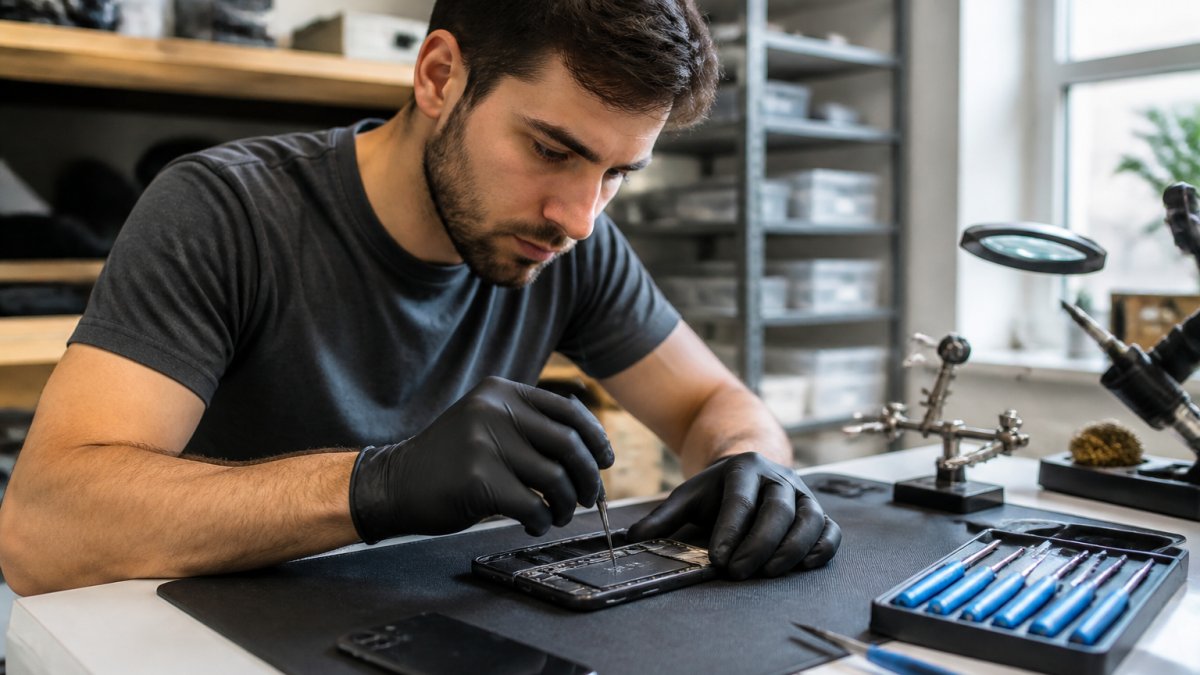
This is critical. PHONEPROBS can open your phone and assess internal damage. We can dry out the internals, clean corrosion, and replace damaged components. The longer you wait, the more corrosion spreads.
Do not wait for the phone to dry on its own, use a hair dryer (heat damages components), or put it in rice (rice dust clogs ports).
Call PHONEPROBS for a repair quote. We handle water damage regularly and can often recover data and restore function.
Step 4: If the phone powers on, do this
If your phone somehow still works after salt water exposure, back up your data immediately.
Watch Out Saltwater damage gets worse over time. A phone that works today may fail tomorrow. Back up data immediately and get professional help within 24 hours of exposure.
How to Remove Sand From Phone Charging Port
Sand in your charging port is annoying but fixable. Do not use compressed air, it forces sand deeper into the port. Do not use a toothpick or metal object, you'll scratch the contacts.
The right way to clean a charging port:
Pro Tip Prevent sand damage by keeping your phone in a sealed pouch when not in use. Sand prevention is much easier than sand removal.
Floating Cases, Lanyards, and Other Beach Tech Gear
A floating case keeps your phone on the surface if dropped. These bulky cases use foam or air chambers and come in bright colors for visibility.
Your Beach Tech Emergency Kit
Assemble this kit before your beach trip. Keep it in your beach bag.
Essential items:
Waterproof pouch (sealed, not just water-resistant)
Microfiber cloth for drying
Fresh water (bottled water works)
Wooden toothpicks or bamboo sticks (for sand removal)
Phone lanyard or leash
Silica gel packets (absorb moisture)
Plastic bags (backup protection if the pouch fails)
Optional but helpful:
Floating phone case
Waterproof phone charger
Backup portable battery
Small brush or old toothbrush
Contact information for PHONEPROBS
Frequently Asked Questions
Will a Ziploc bag protect my phone from water at the beach?
A standard Ziploc bag offers basic protection from splashes and brief submersion, but it's not ideal for beach use. Sand can get trapped in the seal, compromising water integrity. The bag also reduces touchscreen responsiveness and can fog up from condensation. A dedicated waterproof phone pouch with a hermetic seal is more reliable for saltwater exposure and sand abrasion.
What should I do immediately if my phone gets wet with salt water?
Turn off your phone right away to prevent short circuits. Rinse it gently with fresh water to remove salt residue, which causes corrosion on circuit boards and charging ports. Dry it completely with a soft cloth, then place it in a container with silica gel packets for 24-48 hours to absorb internal moisture. Do not attempt to charge it until it's fully dry. If water damage persists, bring it to a repair shop like PhoneProbs for professional assessment.
How long does it take for a phone to dry out after water exposure?
Most phones need 24-48 hours in a dry environment with desiccants like silica gel to fully dry. However, saltwater damage requires faster action because corrosion begins immediately. Even after drying, internal moisture and salt deposits may linger, causing problems days or weeks later. Professional drying techniques at a repair shop can speed this process and reduce corrosion risk significantly.
Does salt water damage phone charging ports differently than fresh water?
Yes. Saltwater is far more damaging because salt crystals corrode metal contacts on your charging port, battery connector, and internal circuit boards. Fresh water damage is often reversible with proper drying, but saltwater corrosion is permanent unless treated immediately. Rinsing with fresh water within minutes and using silica gel drying are critical first steps. Sand combined with saltwater accelerates port damage even faster.
BOOK YOUR REPAIR

Comments